Growth, relationships, and practice tools.In one platform.
Purpose-built depth for personal and couples work, plus optional professional power for clinics and coaches—encounters, claims, client portal, video visits, and longitudinal context. Encryption, export options, and HIPAA-aware safeguards are spelled out on our compliance pages.
- 256-bit encryption
- Your data, exportable anytime
- Privacy policy
- HIPAA-aligned safeguards
- Practice & telehealth tools
Get the NamedClearly app
Download from your device's store. You can also use the full web app in any modern browser.
Atmosphere
Calm, human-scale imagery when synced photography is available—decorative only, not testimonials or clinical claims.
Privacy-first depth—from households to HIPAA-aware practices
Three entry points into the same powerful workspace—choose the narrative that fits, start free, and scale into Coach-tier operations when your organization is ready.
Individuals & couples
Daily check-ins, reflections, goals, Safety Check, Couples Connect, and Fight Room for structured conflict work—without replacing therapy or crisis services.
See the personal path →Communication with intention
Wizards and guided flows help slow down, draft with care, and revisit patterns over time instead of firing off another reactive message.
Explore communication tools →Practices & coaches
Optional professional tier: scheduling, encounters, billing, claims, client portal, and telehealth with HIPAA-aligned technical safeguards.
Explore provider tools →



Case-study quotes roll in as partners approve them—in the meantime our Security & compliance hub spells out exactly how we protect data and where clinical boundaries sit. Security & compliance.
Pick the capability that matches the moment
NamedClearly replaces a patchwork of journaling apps, generic chat tabs, and bolt-on compliance spreadsheets with one coherent workspace. Each pillar maps to live product routes; open Features page for the full checklist, or open the Help Center for step-by-step guides.
Conversation clarity
When wording feels high-stakes or patterns need a structured read.
- Safety Check — paste, audio upload, and images with line-attributed evidence
- Relationship memory, optional concern goals, and a 36-case regression benchmark
- Case Prep, timed share links, exports, and optional pastoral or law lenses
Personal growth
Daily rhythm: goals, reflections, and therapeutic pathways.
- Check-ins and progress without losing context
- Schema-informed education where you choose those flows
- Keeps history in one account instead of scattered notes
Couples & connection
Shared workflows when both partners use the platform.
- Couples Connect, Fight Room, and exercises in the same workspace
- Partner AI context previews by category when you both consent
- Privacy and consent remain explicit—see Help and policies
Faith-forward rhythm
Optional scripture and prayer workflows alongside reflection.
- Bible study surfaces where enabled for your account
- Integrates with personal goals—not a substitute for pastoral care
- You choose how much faith context to include
Practice operations
Clinics and coaches on eligible tiers.
- Scheduling, portal, telehealth, and billing-oriented workflows
- HIPAA-aligned technical context summarized on Compliance pages
- Separate marketing story at /marketing/practice
AI assistance
Brainstorming and drafts—within product limits and policies.
- NamedClearly Chat and Universal paths where enabled
- Model choices where the account tier allows
- Not for emergencies or licensed clinical decisions
Hear what each part of NamedClearly does
Sixteen narrated areas in plain language—voiced by Emily (calm narrator). Each card matches a real screen from the product.
How to explore NamedClearly on this page
See the real product
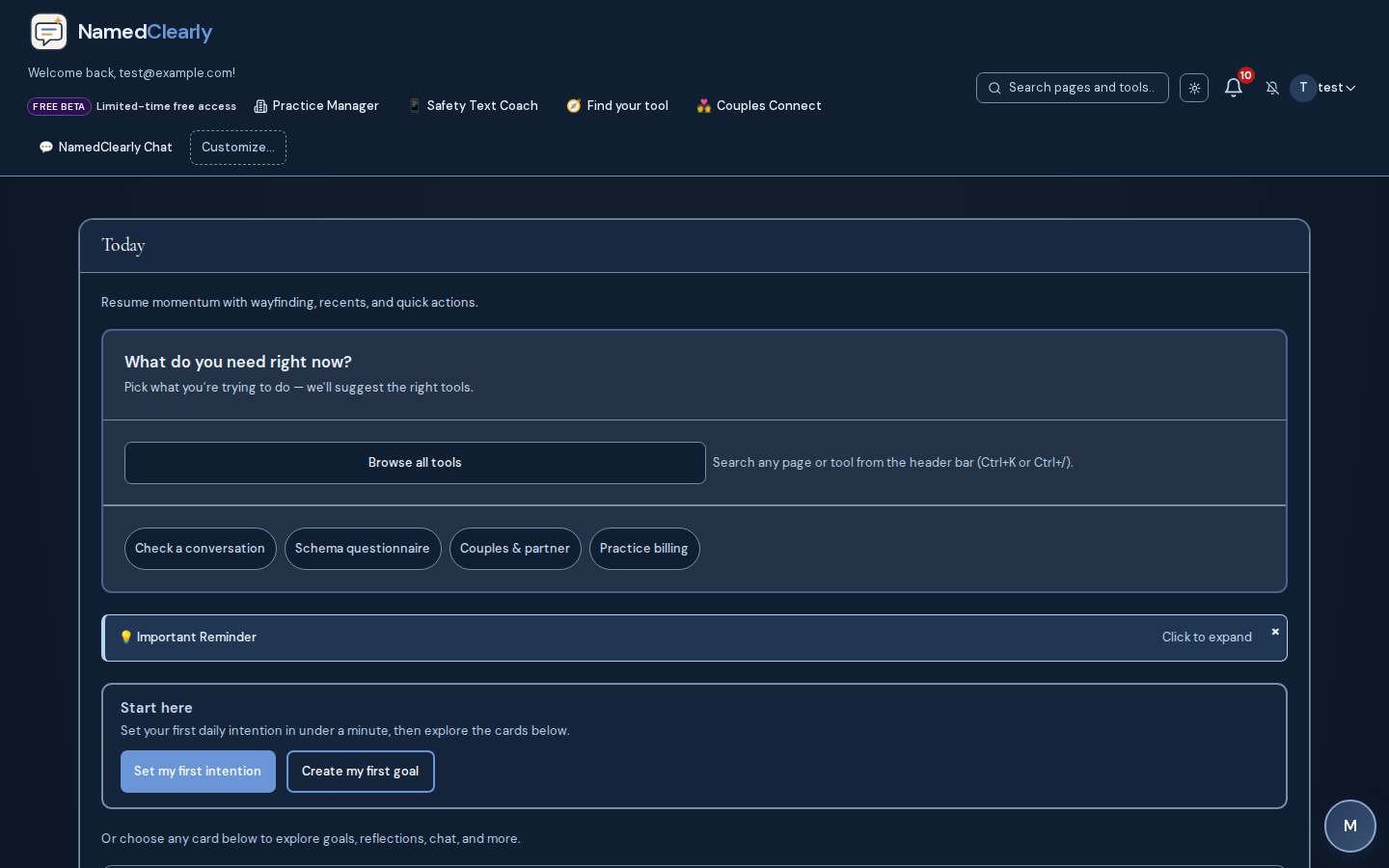
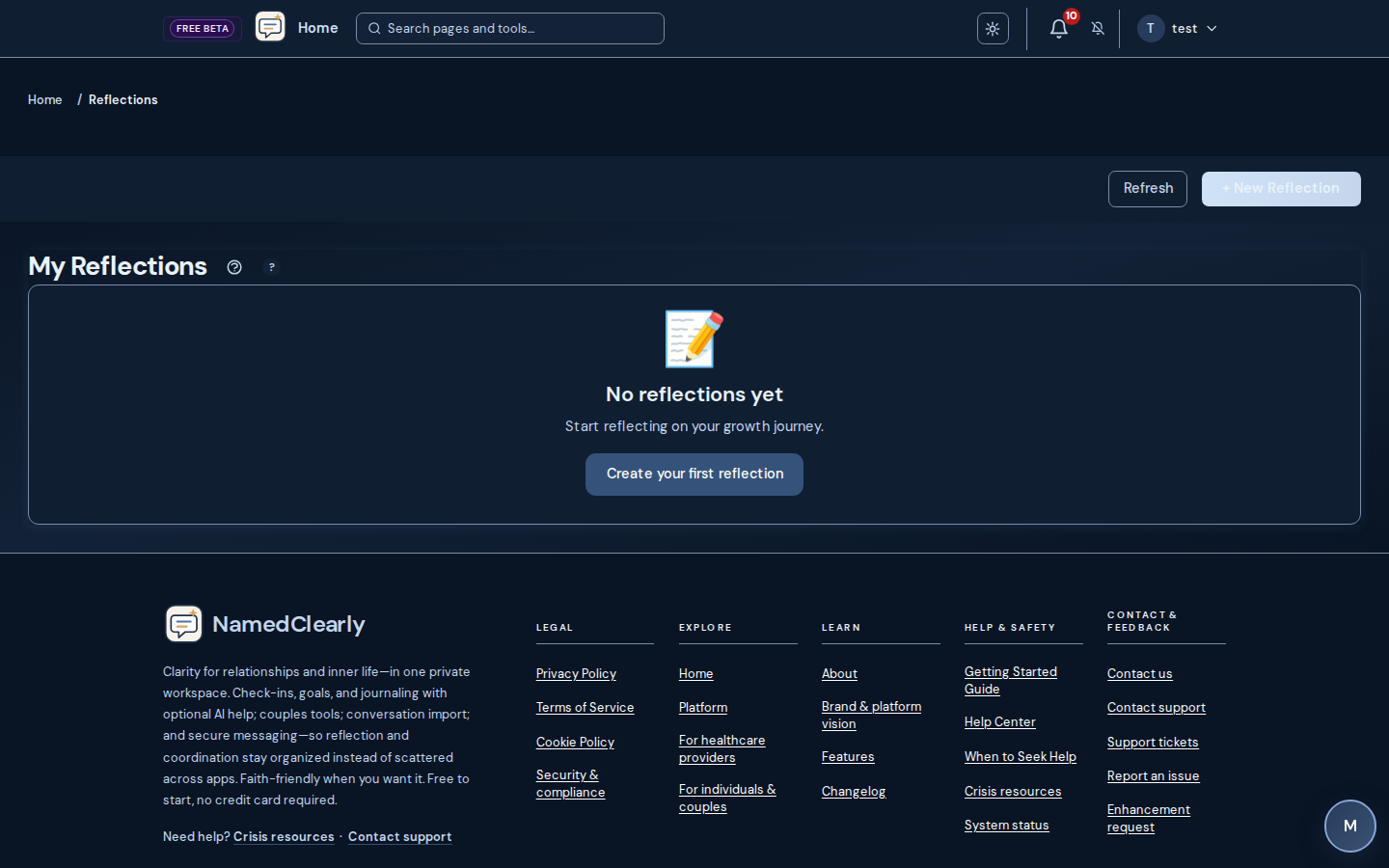
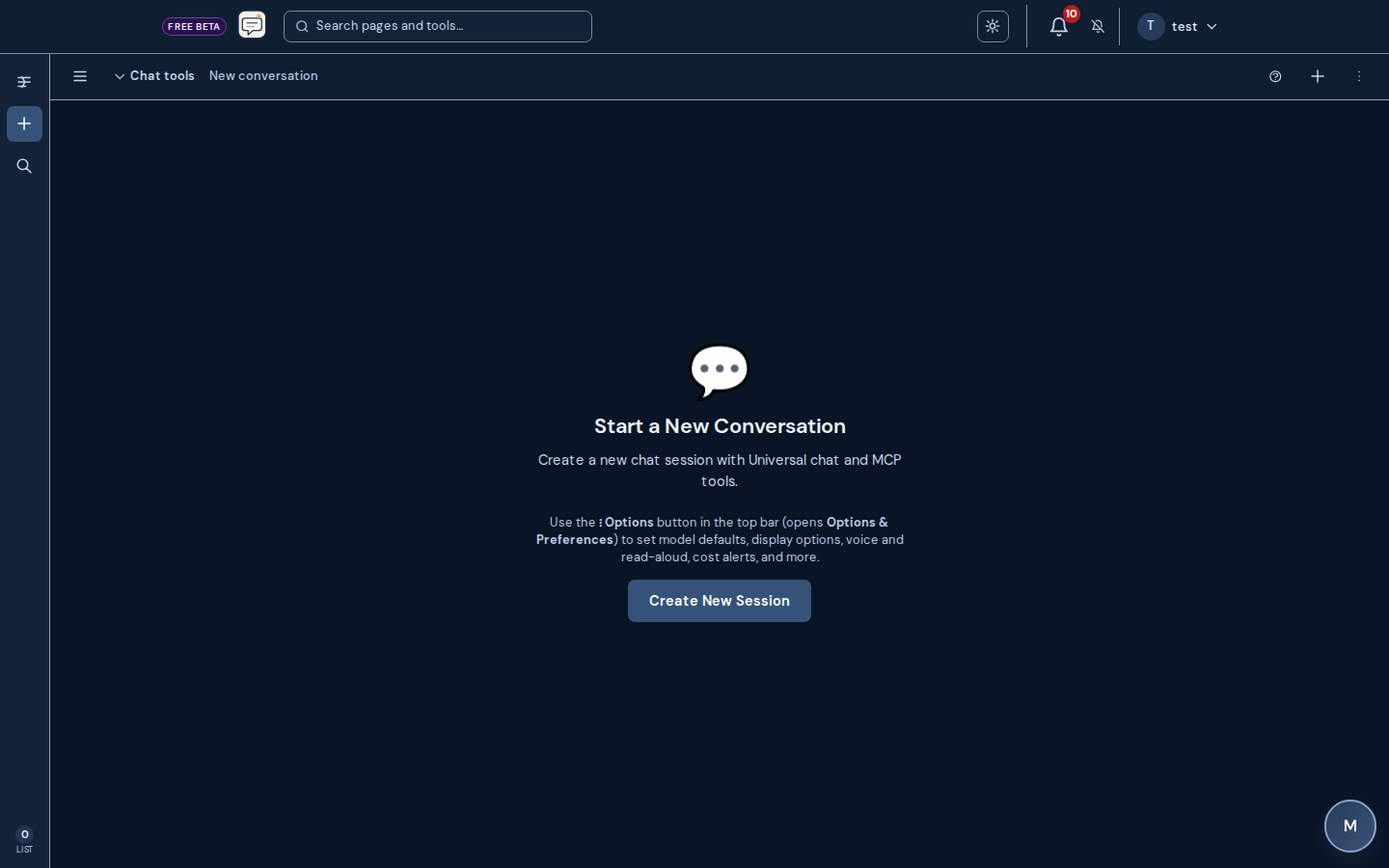
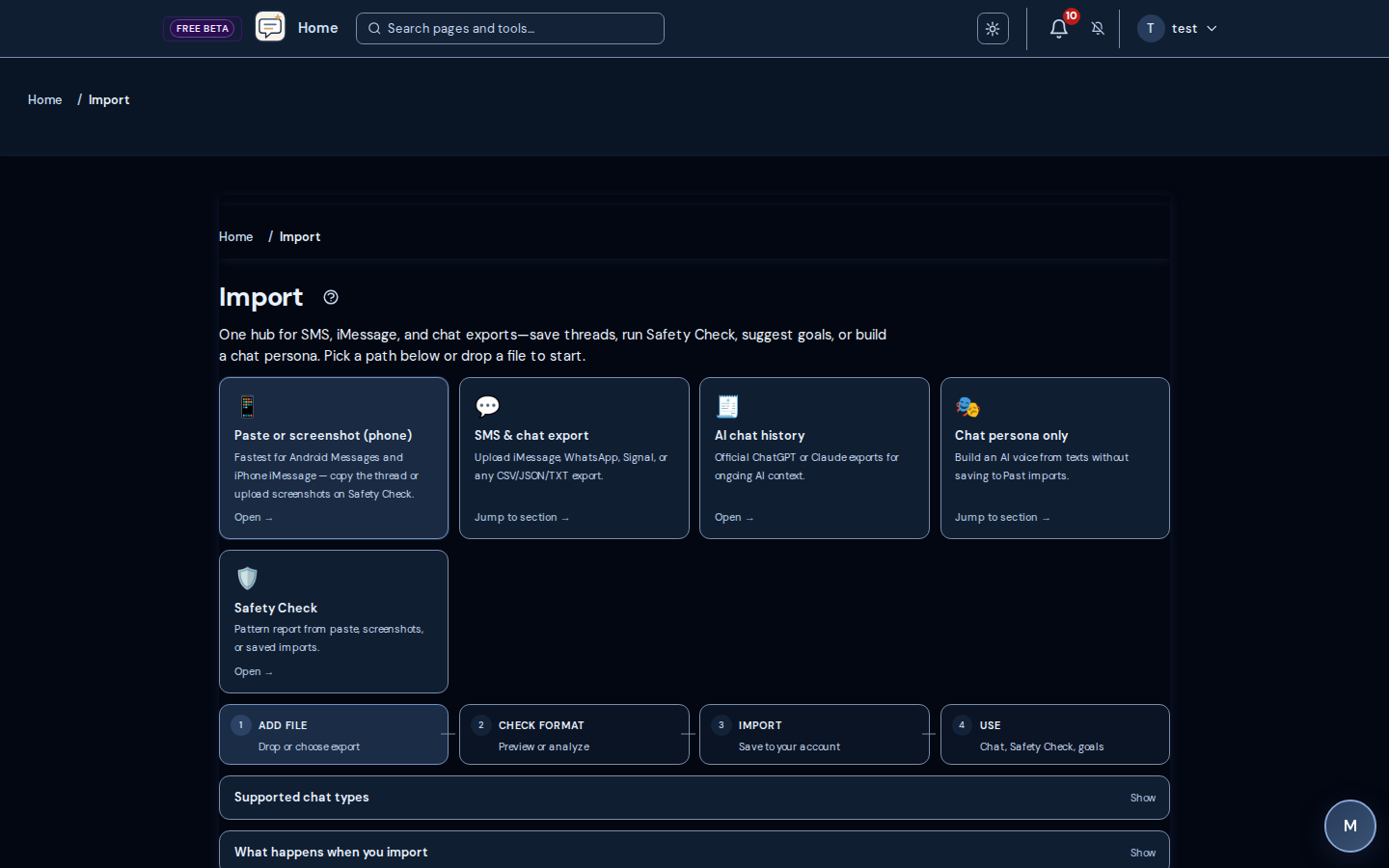
Screenshots from live NamedClearly routes—not stock art or AI avatars.
Read plain English
Every capability and dashboard route explained without jargon walls.
Listen when you want
Optional Emily narration you control—play one topic, pause, and continue.
Headphones or quiet room recommended. Narration is informational—not therapy, legal advice, or emergency guidance.
The whole platform in one minute
One private workspace for reflection, couples connection, conversation clarity, faith rhythm, and optional practice operations—not a pile of separate apps.
Journal, goals, and daily rhythm
Reflections, structured goals, check-ins, and progress views that stay in one timeline.
AI chat and Scripture
Several chat shells for reflection, how-to questions, Scripture, and therapeutic paths—plan and route dependent.
Import and organize your workspace
Bring SMS or chat exports in, customize the dashboard, and review activity history.
Messages and notifications
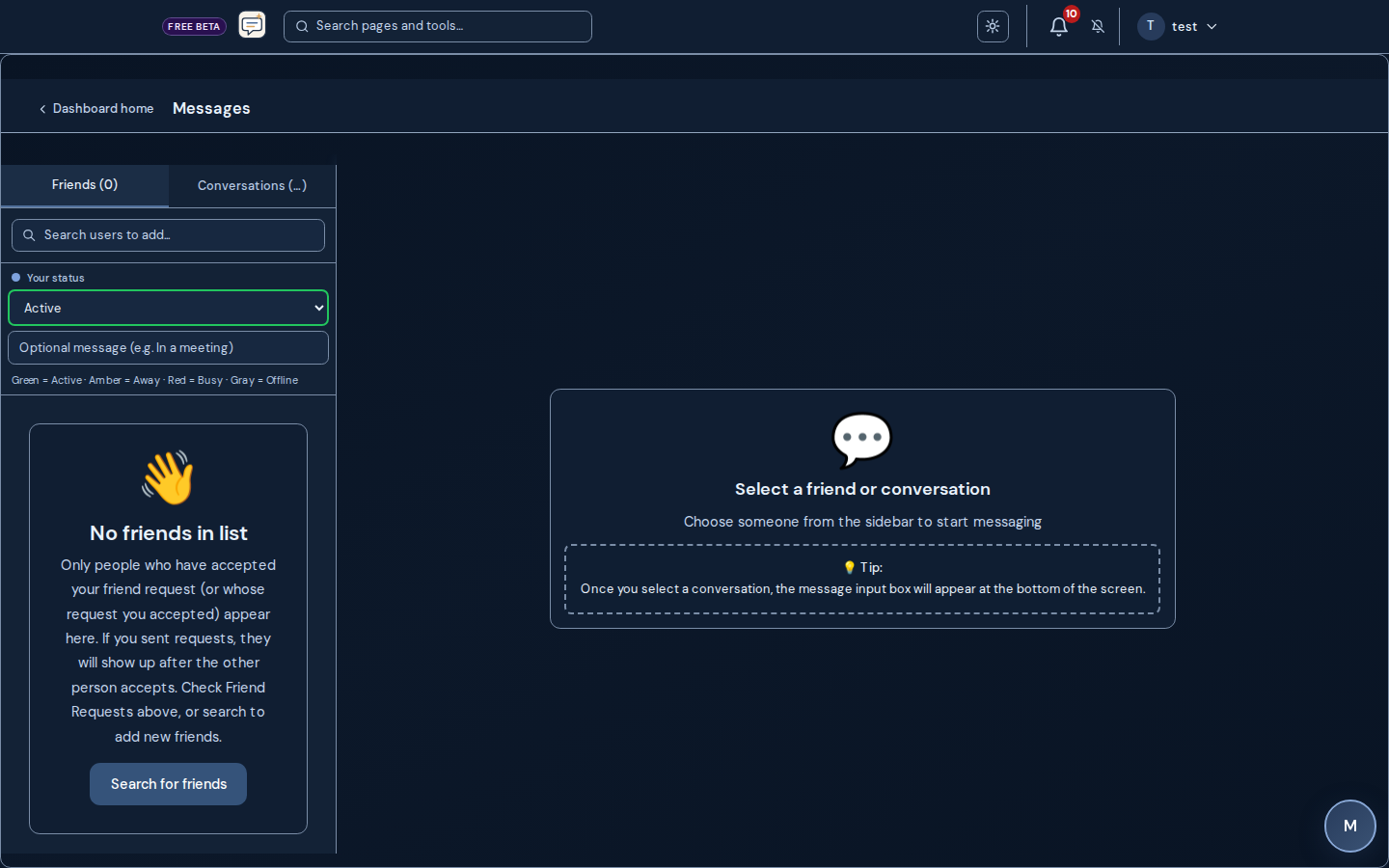
Direct messages, friends, and in-app alerts when you want to stay in touch inside the product.
Safety Check and conversation tools
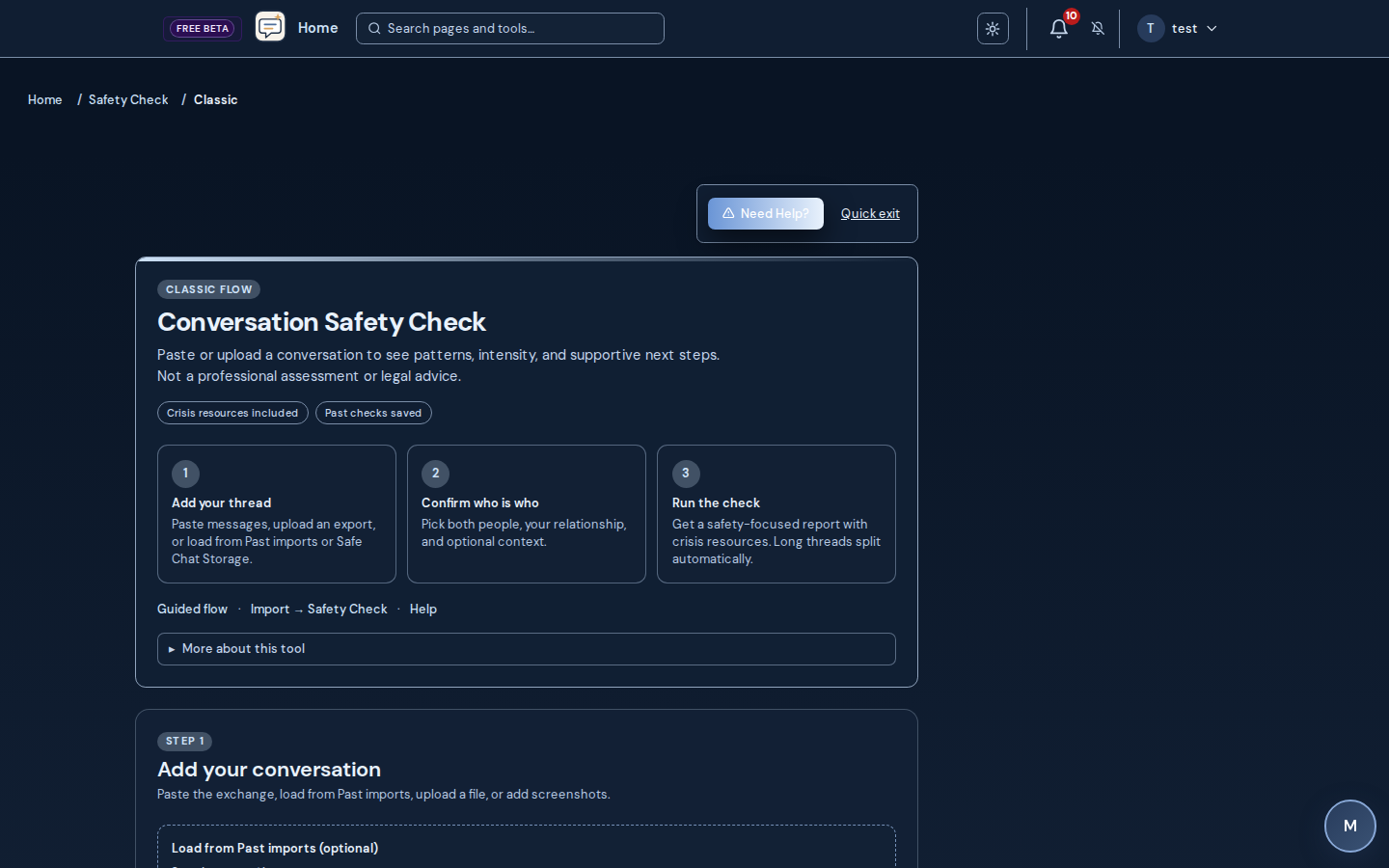
Paste or upload conversations for structured, line-attributed reads—not clinical diagnosis or legal advice.
Wizards and multi-model flows
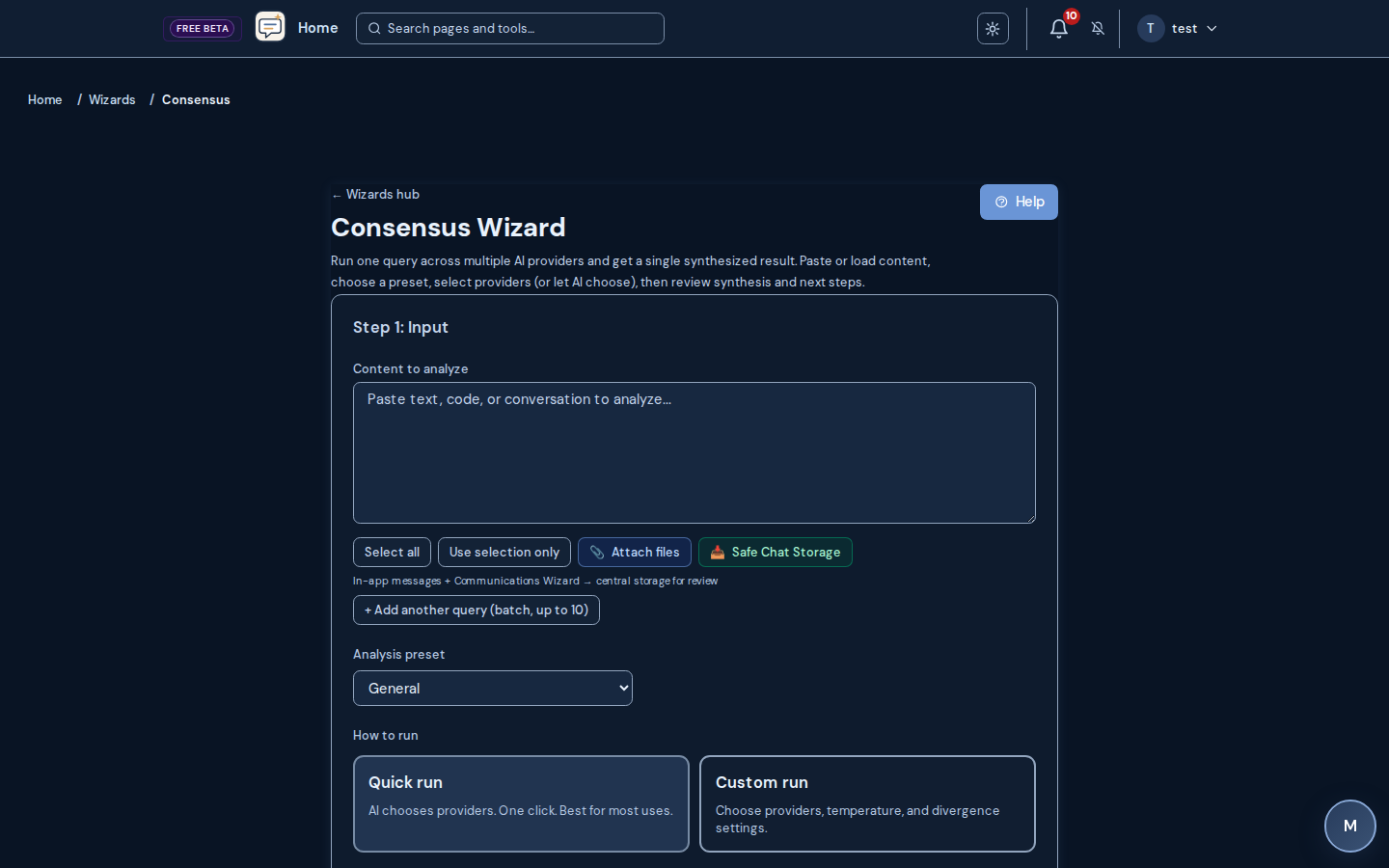
Single-purpose wizards plus optional multi-provider consensus where your deployment enables vendors.
Faith and Bible rhythm
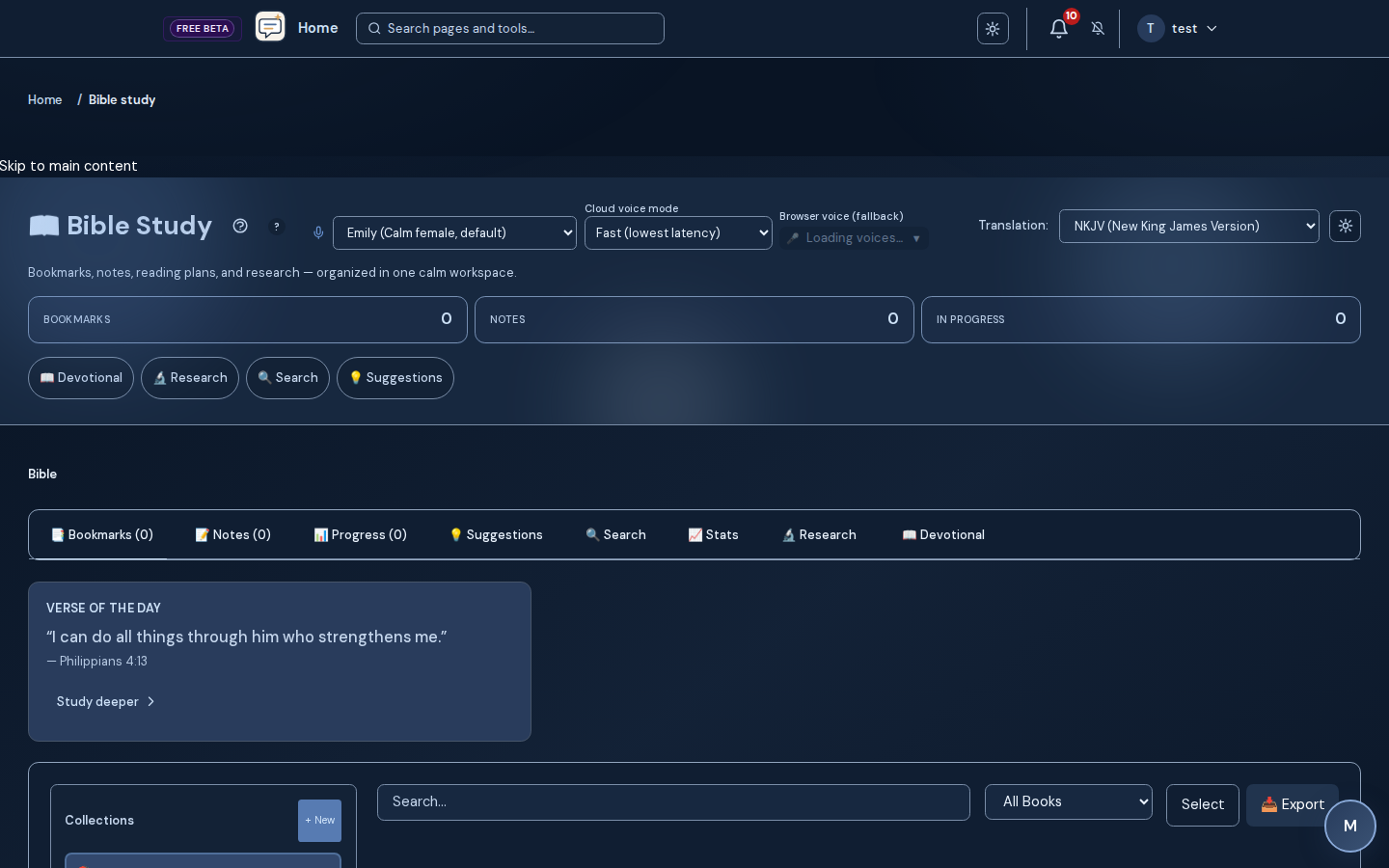
Bible study, memorization, reading plans, prayer tools, and daily devotion when you want them.
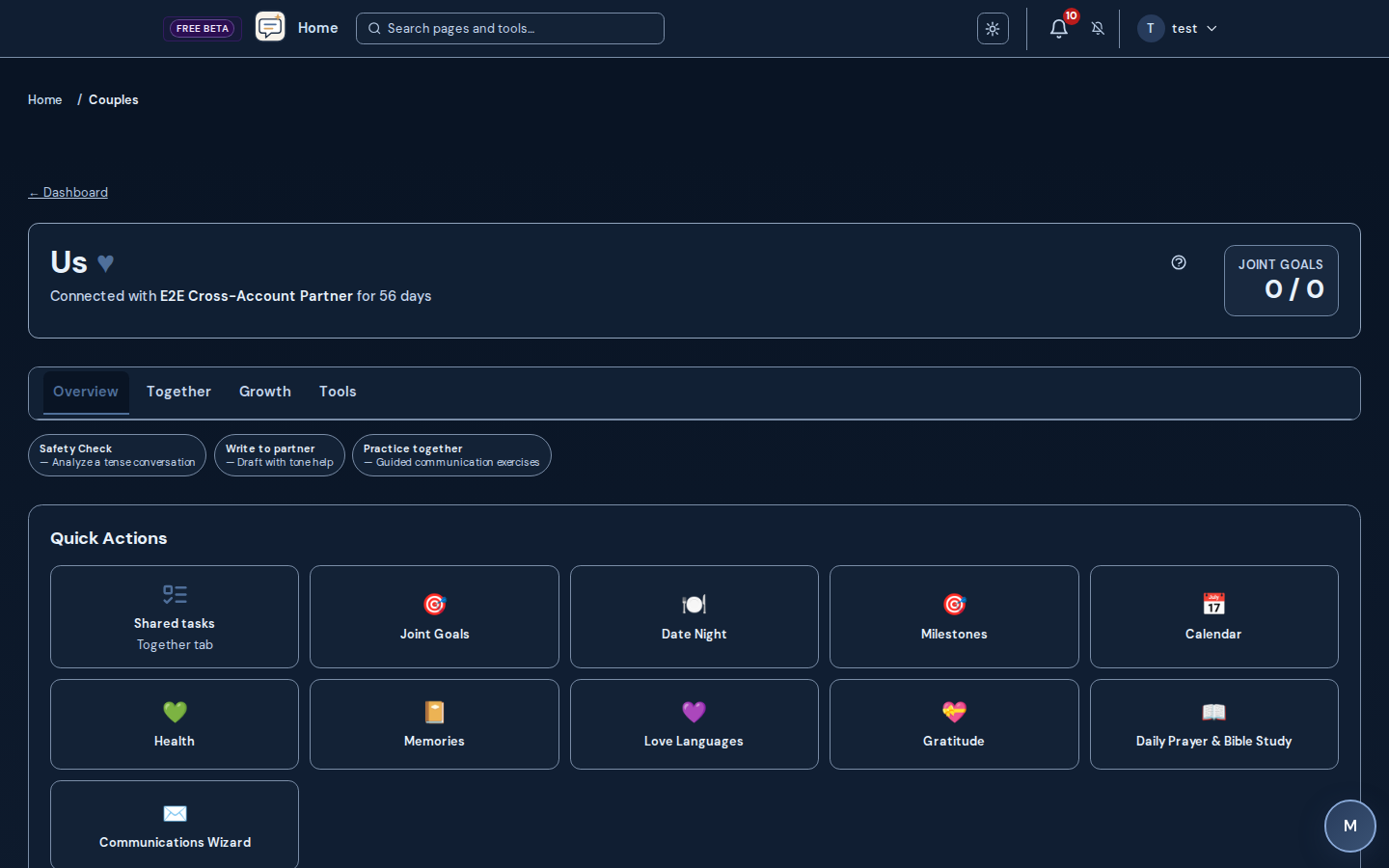
Couples Connect
Shared calendar, Fight Room, exercises, agreements, and partner-aware spaces when both people use the platform.
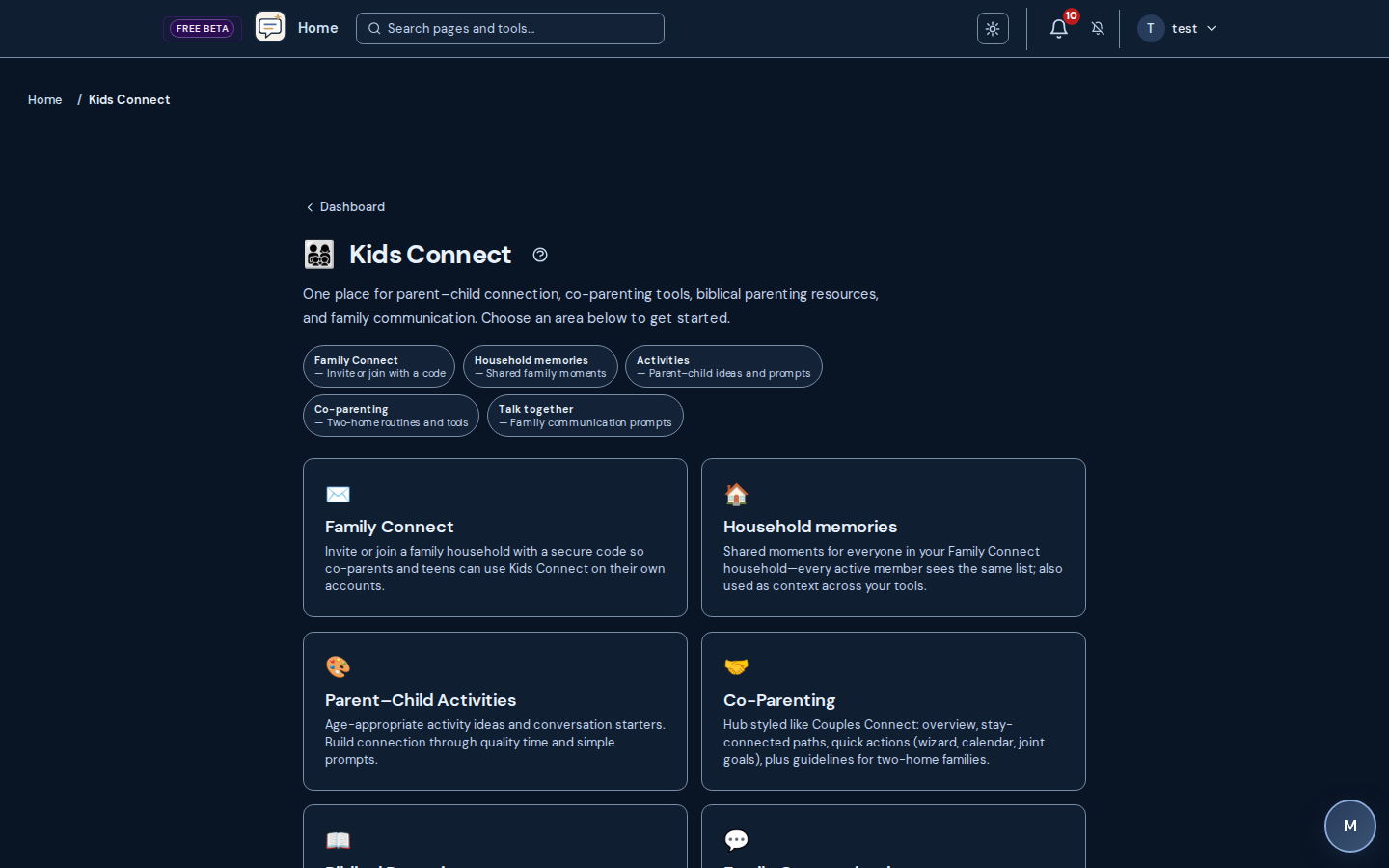
Kids Connect
Family activities, biblical pathways, and co-parenting drills when your plan includes them.
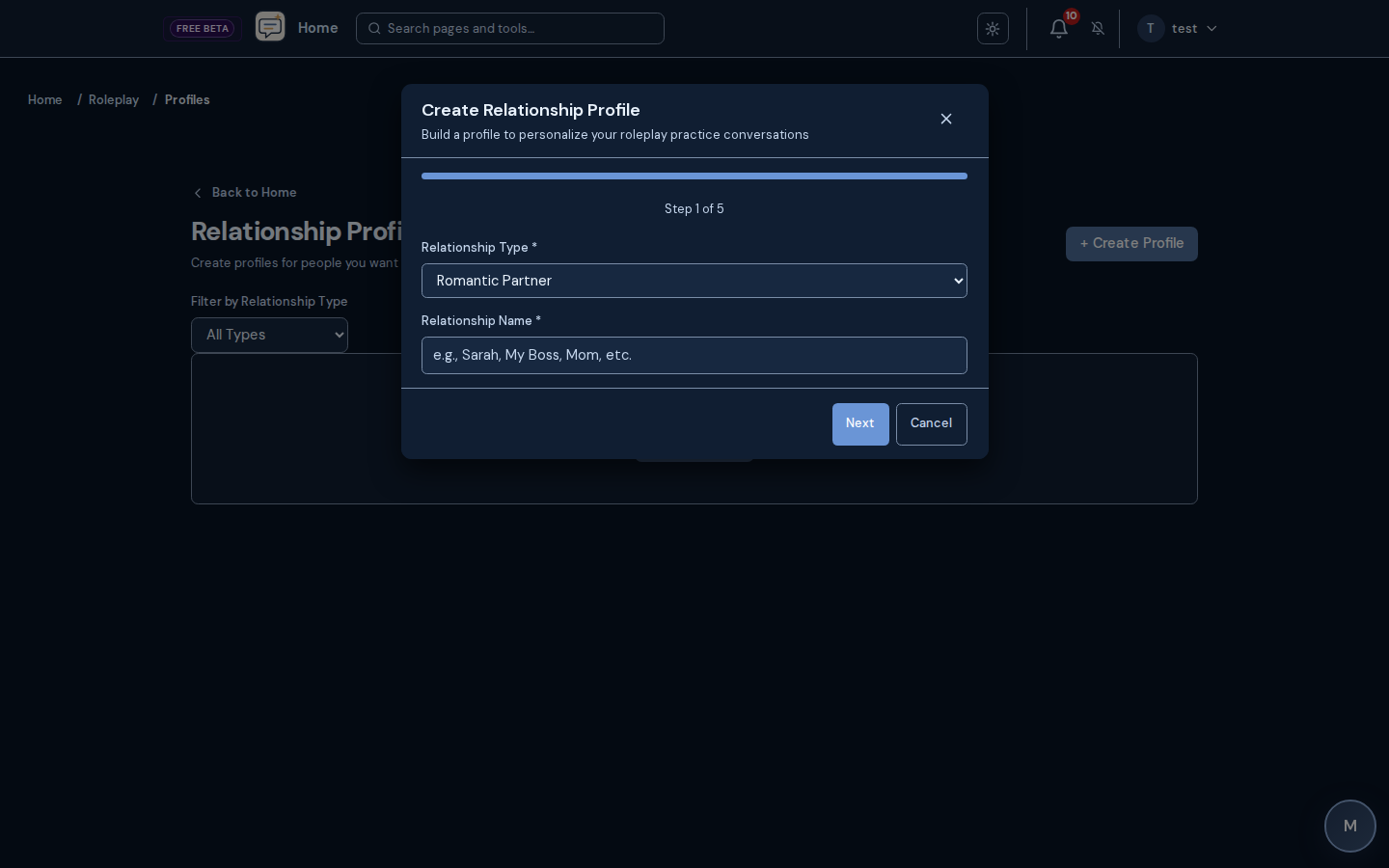
Roleplay and share links
Practice personas privately or share read-only profile links when your plan allows.
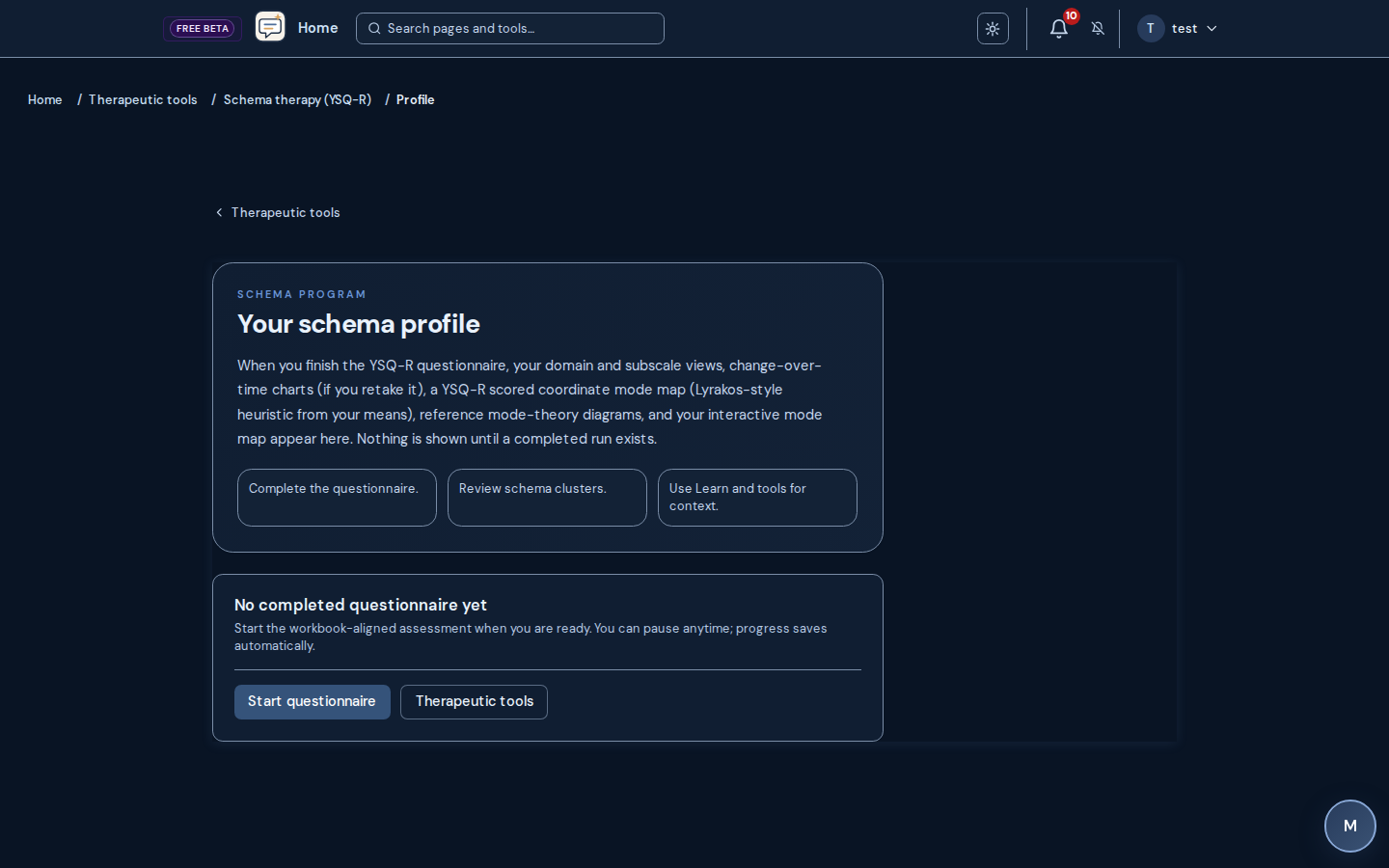
Schema therapy and therapeutic hub
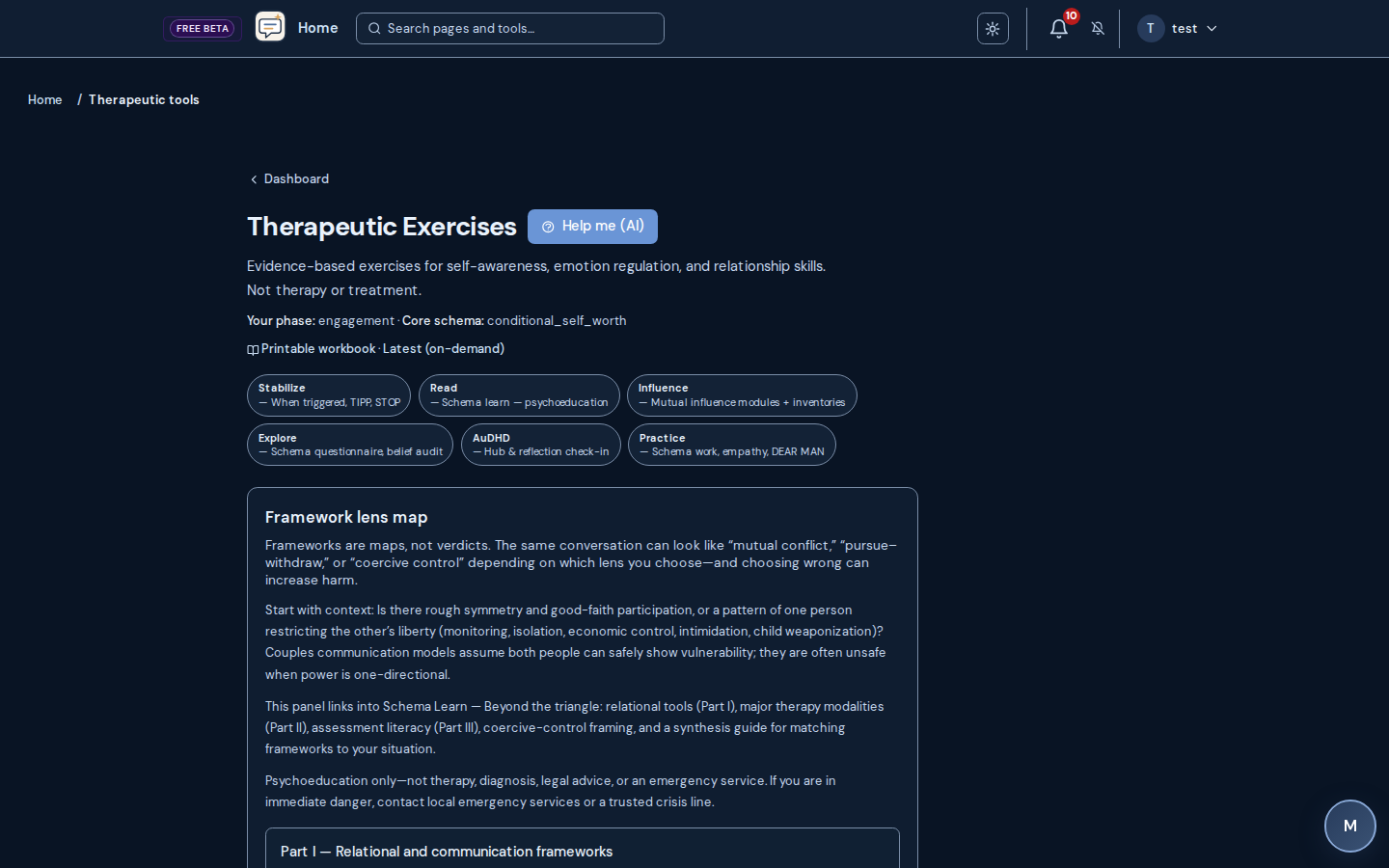
YSQ-R program, psychoeducation, and structured exercises—education, not licensed treatment.
Evidence-based modality library
Guidance grounded in a large, evidence-graded modality catalog—honest about contested practices.
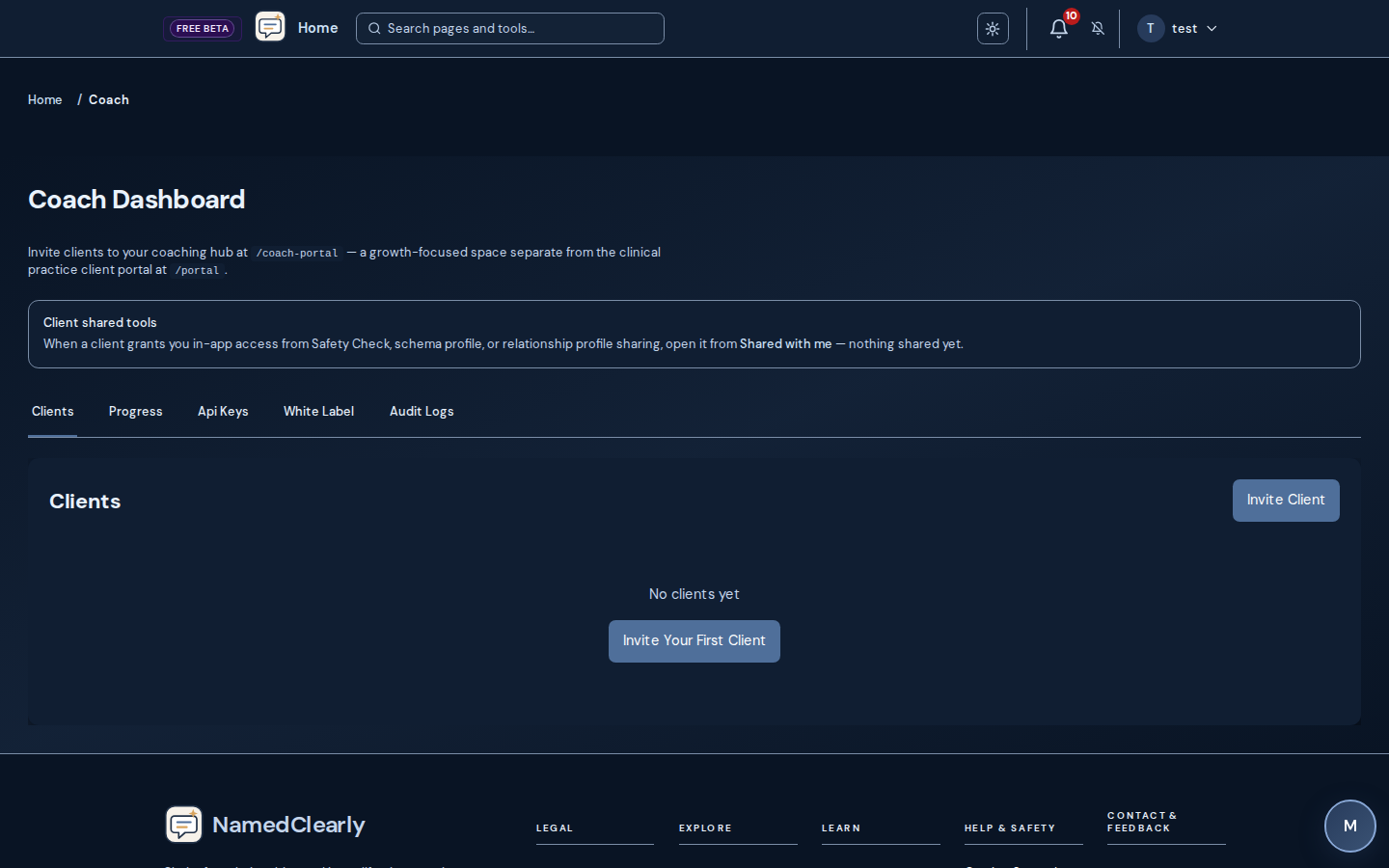
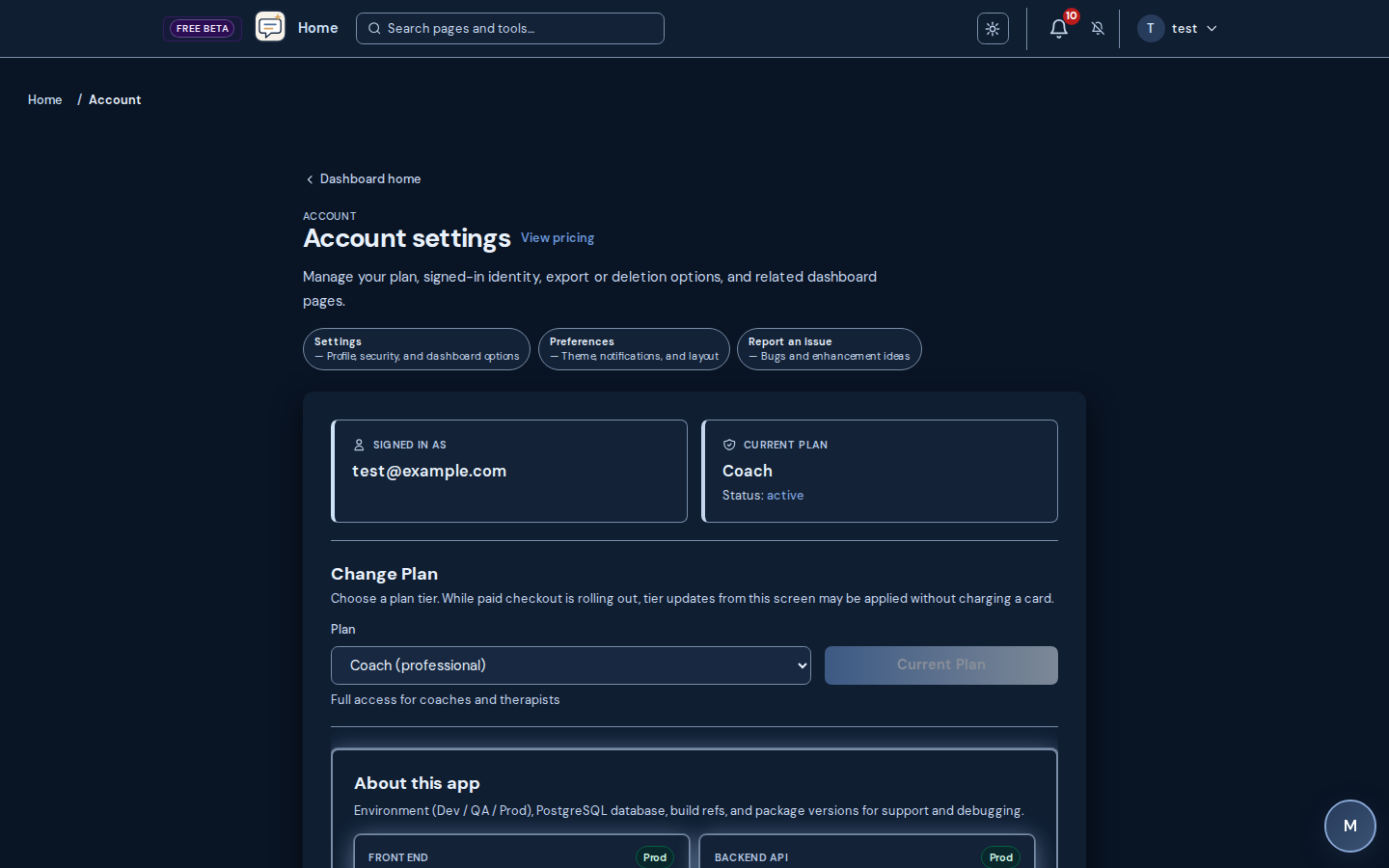
Coach and practice operations
Scheduling, portal, telehealth, billing, and claims for clinics on eligible tiers.
Public practice sites and booking
Marketing-grade `/p/` sites and `/book/` flows that match each practice's template.
Help, crisis links, and exports
Help Center deep links, crisis resources, PDF exports, and white-label options where enabled.
Want every line and dashboard route? Open the full tool walkthrough · Features checklist · Help Center